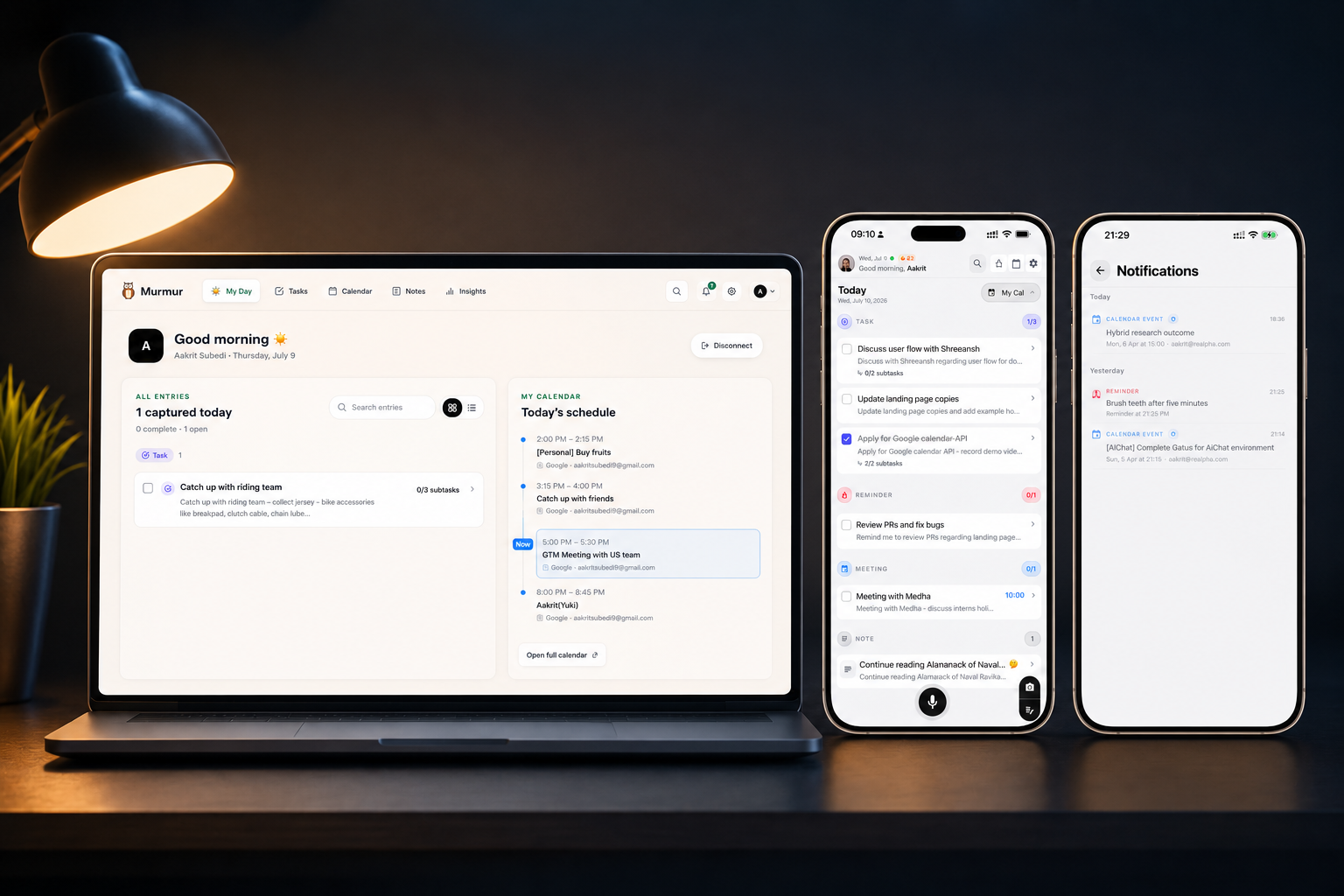
I built Murmur because my thoughts rarely arrive while I am sitting neatly in front of a task manager. They show up in the shower, on a walk, halfway through a conversation, or just as I am falling asleep.
The app became useful when it stopped asking me to behave like a productivity system and started fitting around my actual day. This is the routine I now follow—not a perfect schedule, but a dependable loop that catches what matters and helps me begin again tomorrow.
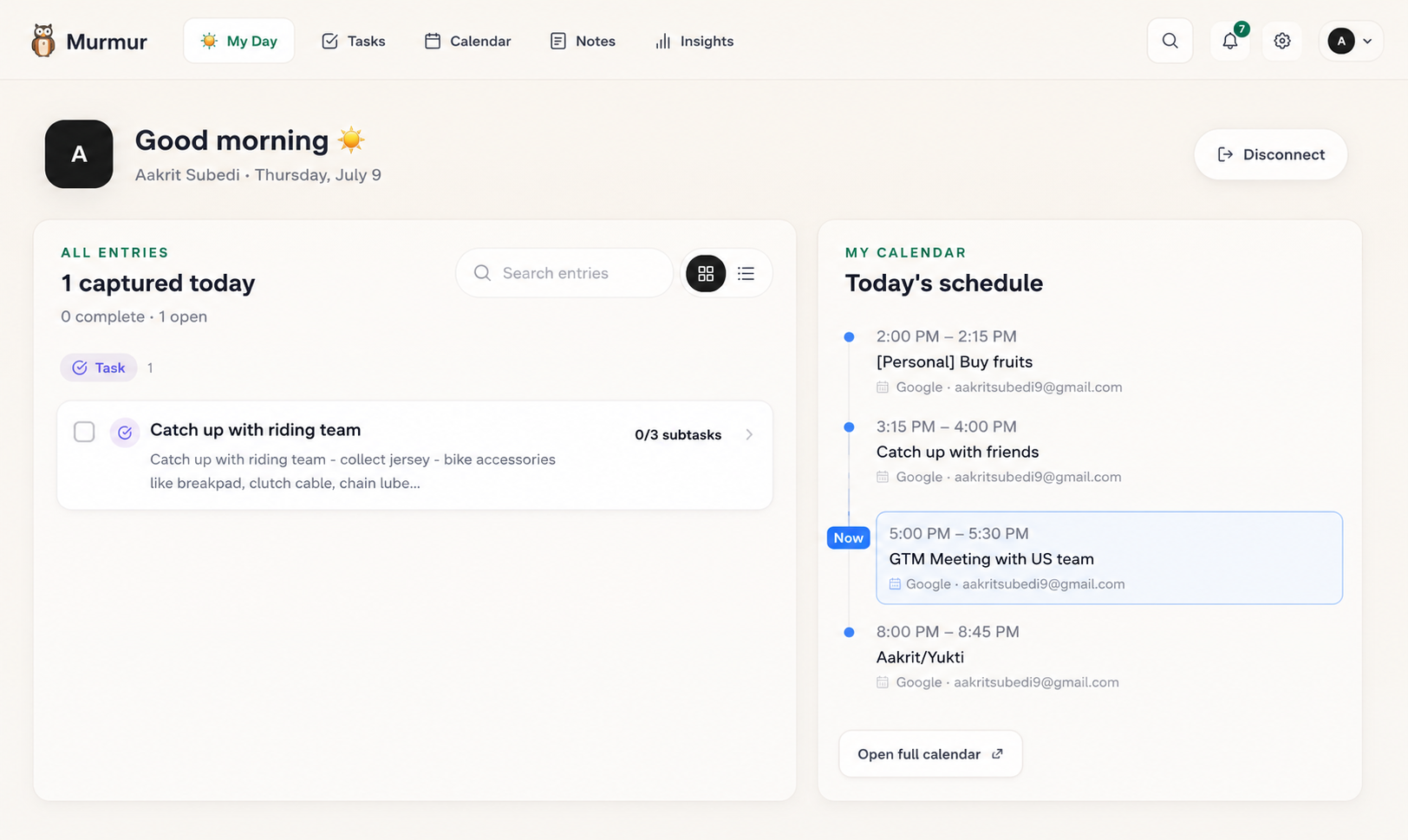
7:00 AM — I wake up and look at My Day
Before opening chat, email, or social feeds, I check My Day. I want to see the shape of the day before other people begin adding to it. Calendar events give me the fixed points. Tasks and reminders show the promises I have already made to myself.
I choose a small number of priorities rather than treating every item as equally urgent. If something rolled over from yesterday, it appears as a decision to make—not as a failure to hide. I can do it, reschedule it, or decide it no longer matters.
9:30 AM — I capture while the work is happening
Once I start building, I try not to break focus just to maintain a list. If I remember a follow-up or spot a product issue, I capture it in the fastest available way. At my desk that may be a short typed entry. Away from it, voice is usually quicker.
The rule is simple: I do not organize while capturing. I say enough to make the thought useful—who, what, and when if I know them—then return to the work. Murmur handles the first pass of categorizing and structure.
- Say the complete thought instead of a cryptic three-word note
- Include a date or time naturally when it matters
- Keep moving; review and refinement belong to a different moment
12:15 PM — Siri catches the thought when my hands are busy
Some of the most useful captures happen when reaching for the phone would be awkward. Siri gives me a low-friction route while I am making lunch, walking, or carrying something. I dictate the thought in a sentence and trust it to land instead of rehearsing it in my head for the next twenty minutes.
This is where Murmur feels less like a destination and more like memory infrastructure. The interface does not need to be open for the habit to work. The point is not to spend time in an app; the point is to stop valuable thoughts from evaporating.
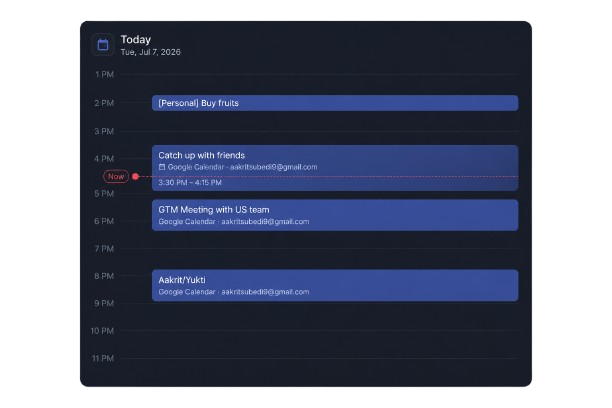
3:00 PM — I check calendar context, not just a task list
A list without time context can create an imaginary day. Before committing to another task, I look at the meetings and events already occupying the afternoon. Murmur lets the calendar sit beside the things I captured, which makes planning more honest.
If a task needs a longer block than the day can provide, I move it instead of carrying the anxiety of an impossible list. If I have ten minutes before a meeting, I can choose a small follow-up that fits.
6:30 PM — I review what reached Notion
Murmur is where I capture quickly; Notion is where broader project context lives. The one-way sync sends structured entries into a database with useful fields such as title, category, date, tags, and summary. During a project review, I can filter and connect those entries without manually retyping the day.
Keeping the direction one-way is intentional. I know where an entry originated, and I avoid building a fragile loop between two systems. Murmur remains the inbox; Notion becomes a place to develop the work.
10:45 PM — I close today and make tomorrow easier
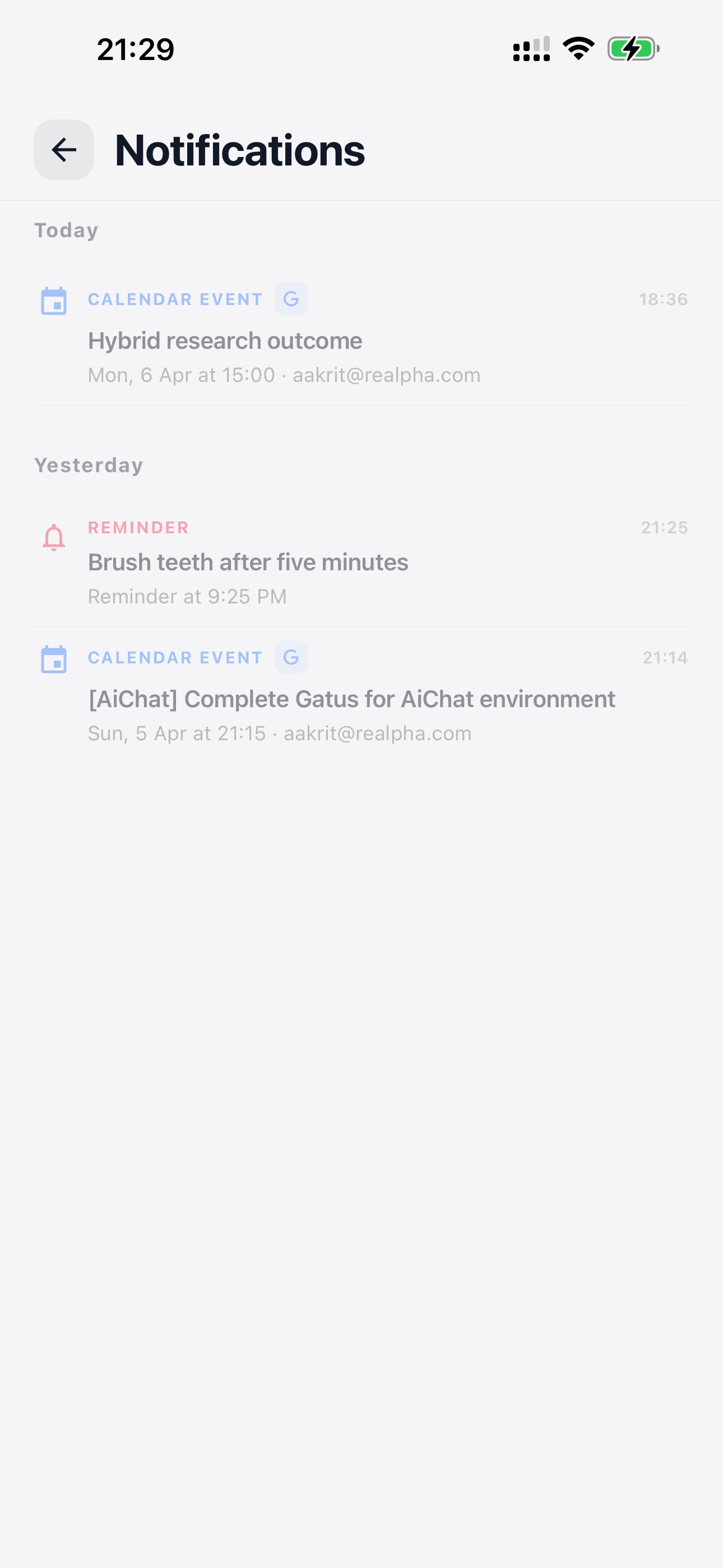
Before sleeping, I do a short review. I check off what is genuinely done, clear anything that no longer matters, and add tomorrow's first meaningful task. This removes the need to reconstruct the day in the morning.
Anything unfinished can roll forward. Rollover is not permission to collect an endless backlog; it is a safety net. The item stays visible until I make a conscious choice. Then I leave a quick voice note if an idea is still circling and let the system remember it while I sleep.
- Mark completed work so tomorrow starts clean
- Let open tasks roll over, then deliberately reassess them
- Capture tomorrow's first step before the day ends
Frequently asked questions
How does task rollover help with daily planning?
Open tasks remain visible on the following day, preventing unfinished work from disappearing and giving you a chance to complete, reschedule, or remove it.
Why use both Murmur and Notion?
Murmur is optimized for quick capture and daily action, while Notion can hold project dashboards and deeper knowledge. One-way sync connects those roles without requiring duplicate entry.
Do I need to follow this exact routine?
No. The useful pattern is a morning orientation, low-friction capture during the day, and a brief evening review. The timing should fit your life.